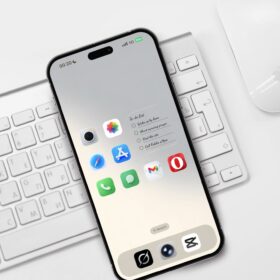
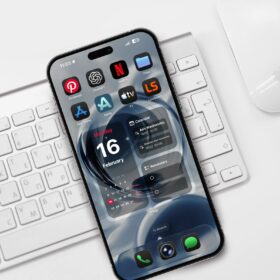
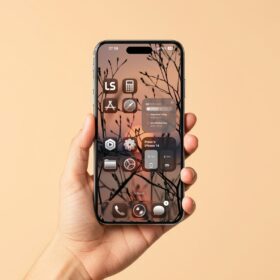
I have a cool wallpaper that I’m going to share with you especially if you’re looking to give your iPhone a new look.
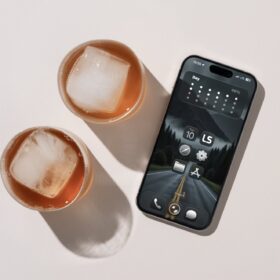
I have this cool forest and mountain wallpaper which I assume you will definitely like as it looks cool and calm on my iPhone homescreen.
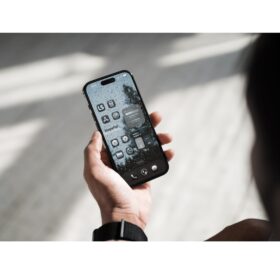
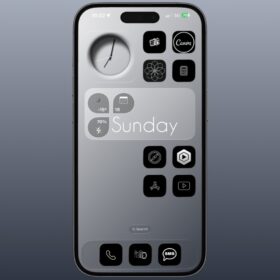
Below is how it looks on my phone.
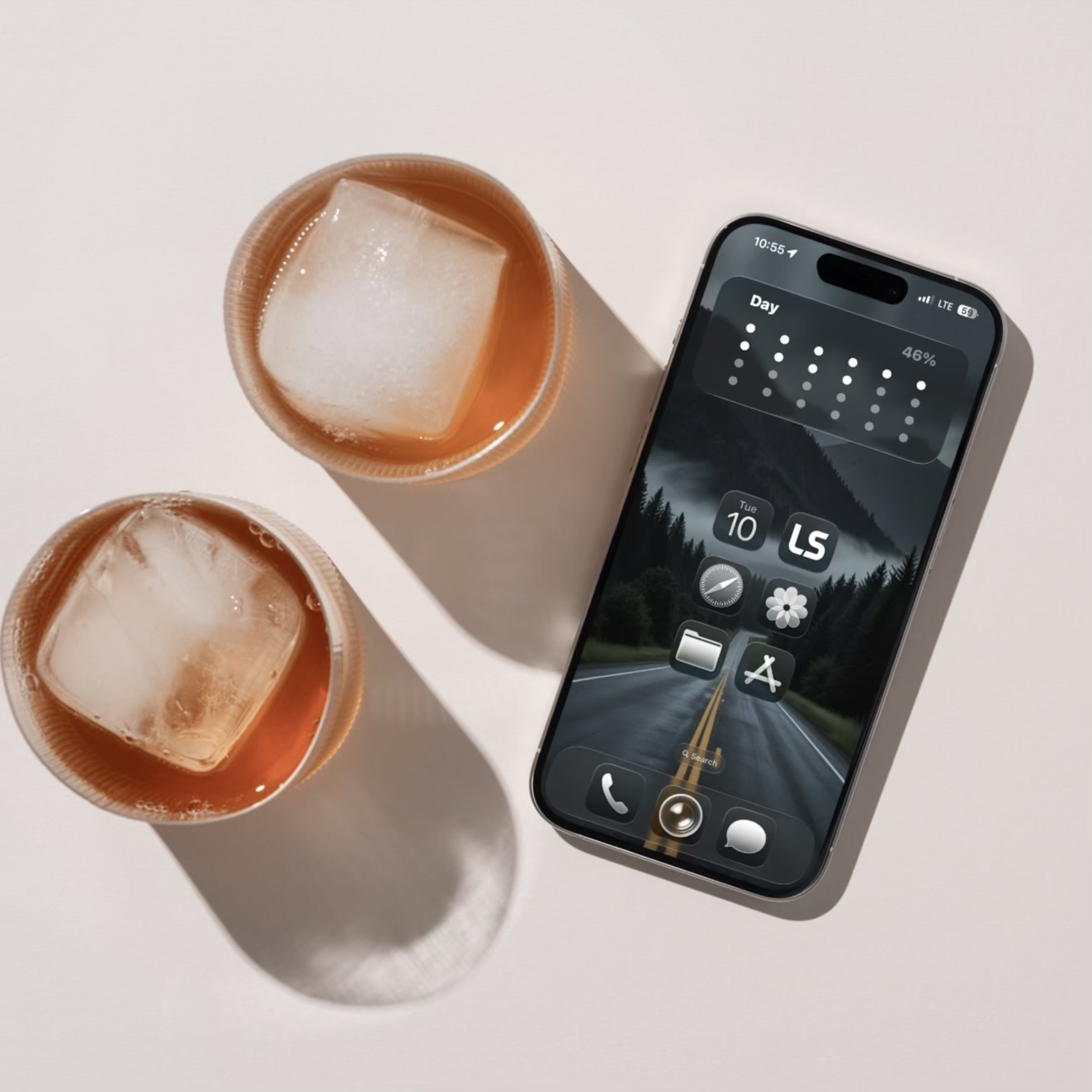
For this setup, I simply used the default iPhone icons and widgy widget for the day progress.
The icons were set to Clear and dark instead of light just to give me a cool and calm look. And again the clear and dark icon makes it quite easy to recognize icons compared to clear and light.
However, you can set the icons color to your preferred color.
But for me, clear and dark matched the color of the wallpaper.
For the widget, here’s the link to the Widgy widget I used for the day progress widget.
And download the wallpaper below.
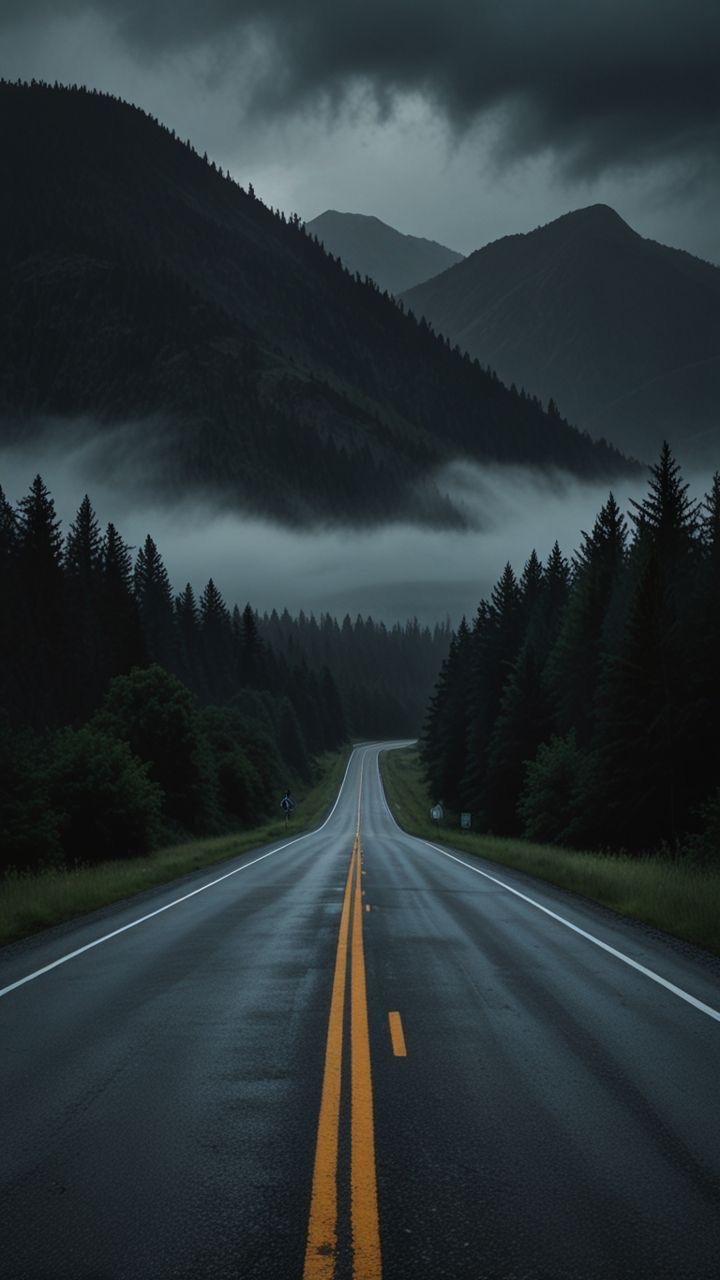
Simply download the wallpaper, use it to customize your iPhone and give your phone a new look.