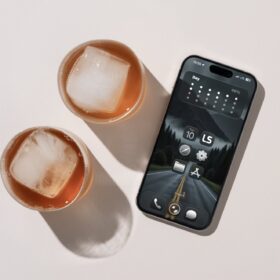
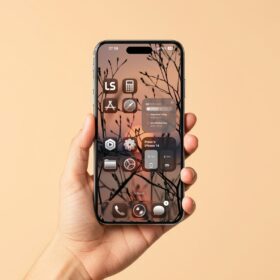
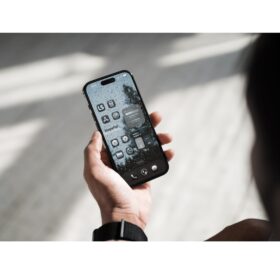
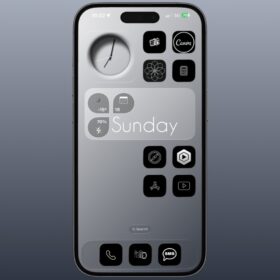
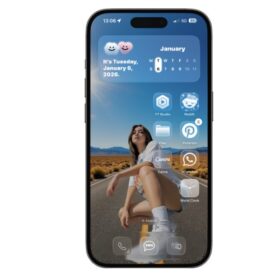
In this post, I have 8 different iPhone homescreens worth checking out, each with different wallpapers.
So if you’re looking for iPhone homescreen customization, you’re at the right place, as I provide you with these iPhone and iPad homescreen setups or customizations.
These are realistic images of an iPhone homescreen setup, with no lighting or color filters, just the way it is on the homescreen.
Let’s proceed.
8 different iPhone homescreen customization
Let’s proceed with the first homescreen.
1. First homescreen and wallpaper
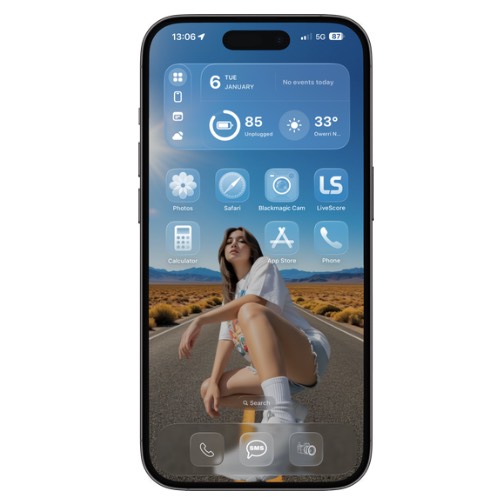
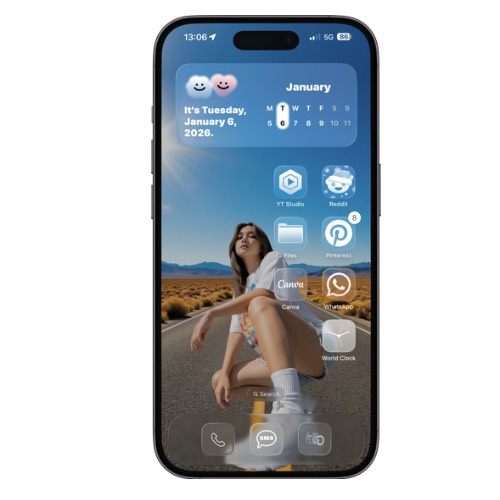
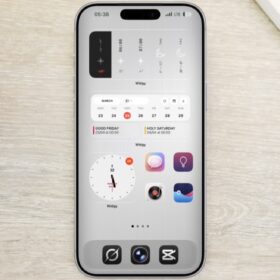
This homescreen was set up using the widget called MD widget, and the icons were set to clear.
Below is the links for the wallpaper incase you want to have the wallpaper.
Download from here
2. Second homescreen and wallpaper
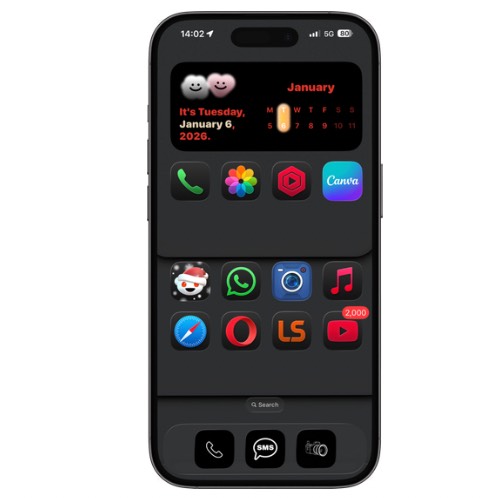
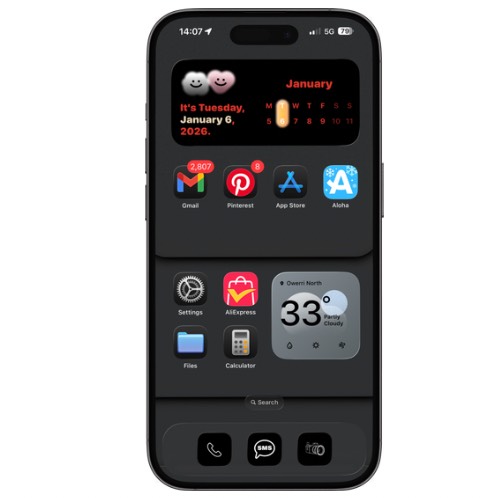
This iPhone homescreen setup was done by simply using the default icons, and the MD widget for the date.
If you want the wallpaper, simply download below.
Download from here
3. Third homescreen and wallpaper

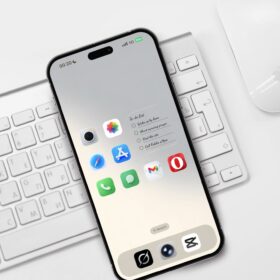
The third is a simple design layout without a date widget, and again, I used the MD widget because it’s quite a nice widget app.
For the icons, they’re set to clear, but default or dark icons are very much okay. Again, if you need the wallpaper, download it from the link below.
4. Fourth homescreen and wallpaper
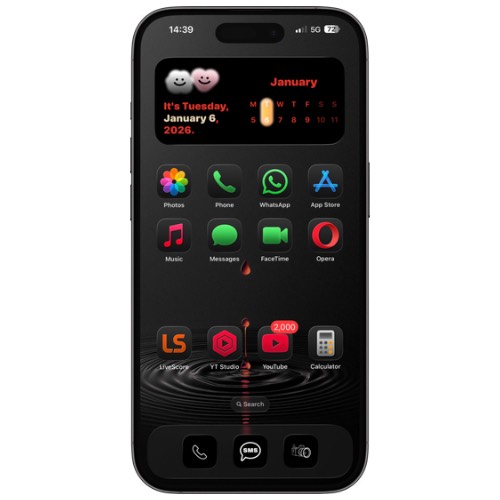
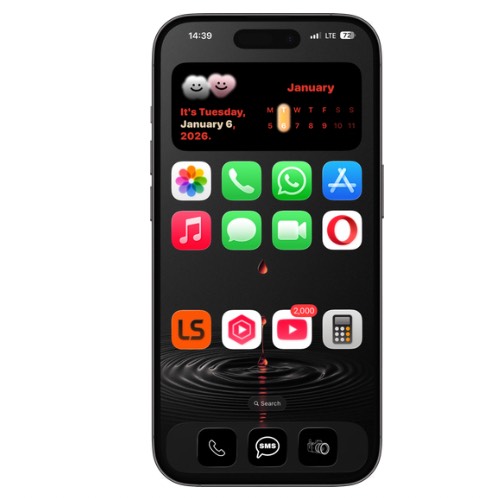
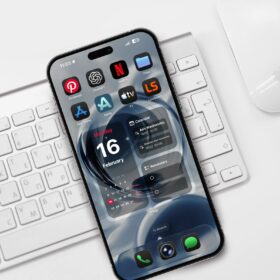
Another homescreen customization using my favorite apps and date widget. Nothing more though you can still make sone tweak to the icon color and the homescreen layout as well.
Below is the link to the wallpaper.
5. The fifth homescreen and wallpaper


For this setup, no widget was used other than the wallpaper and default icons, which were set to dark. I prefer the dark icons compared to the default or clear icons.
If you want the wallpaper, download from below.
6. The 6th homescreen and wallpaper
I have some collections of dark wallpapers and homescreens because I’m a big fan of them. So if you’re a fan of dark wallpapers and homescreens, you should definitely love this dark homescreen setup.
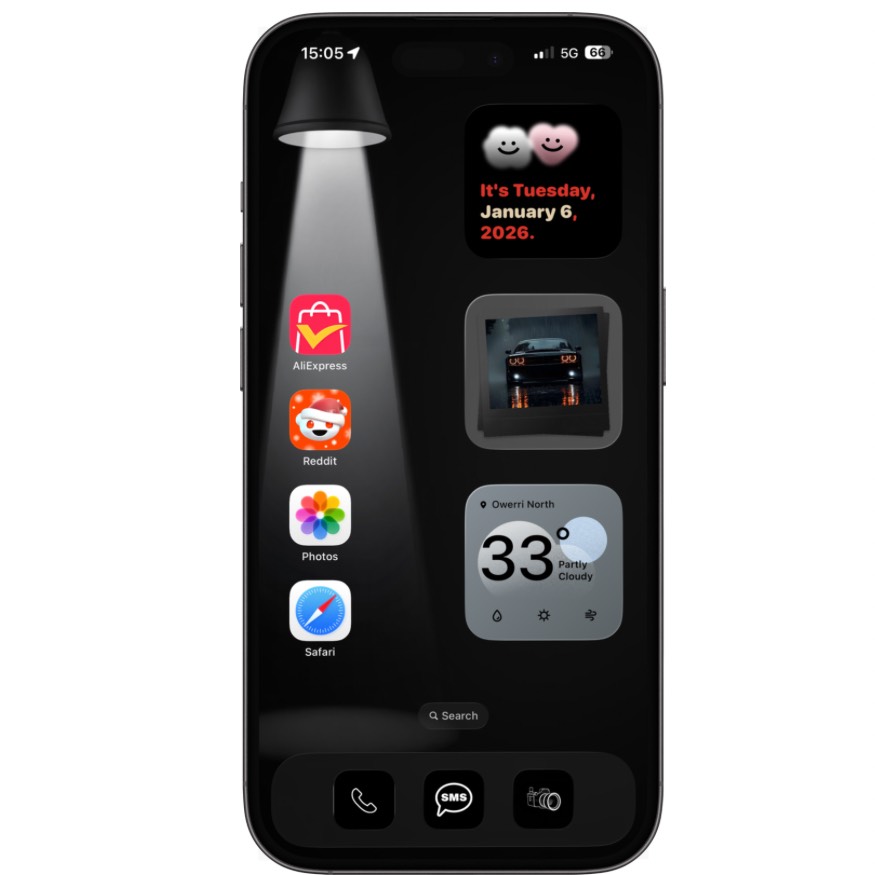
For this setup, i used the MD widget for the widgets in the image. Date widget, photo widget that displayed the car, and the weather widget.
Link to wallpaper below.
7. The seventh homescreen and wallpaper

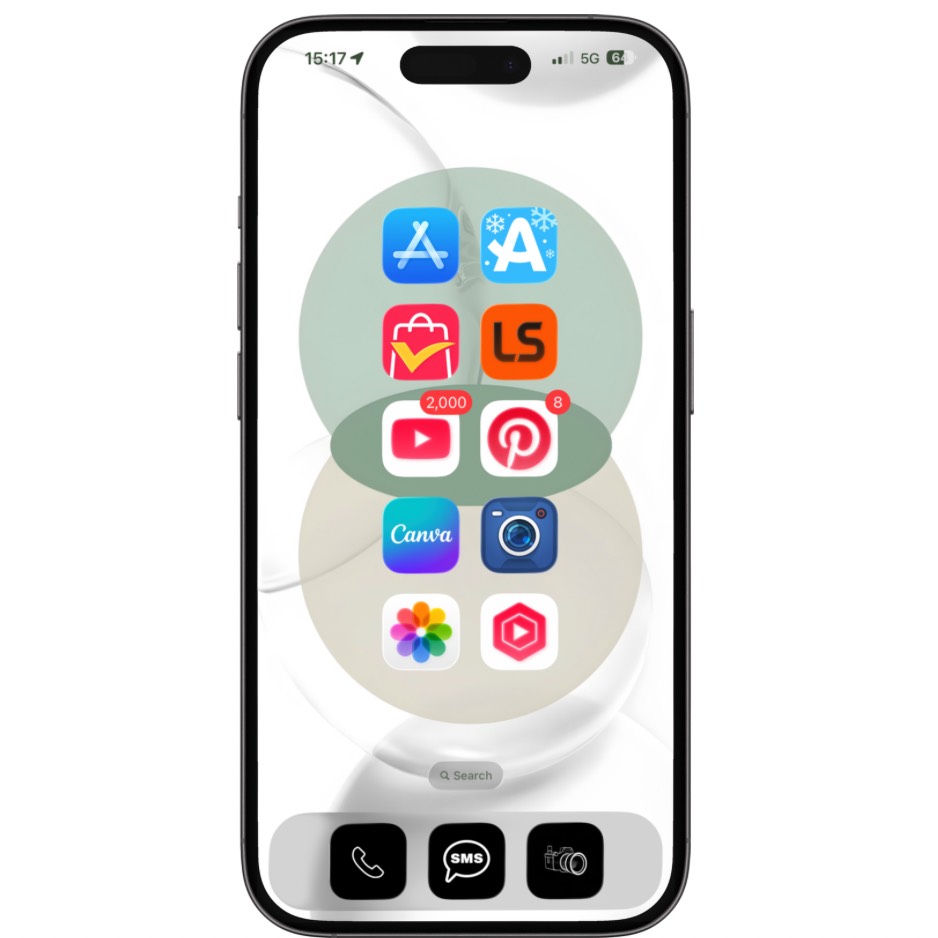
If you’re looking for a very clean iPhone home screen setup, then you have to give this a try.
Forget about the image because it looks super clean and minimal, no widgets unless you want to add widgets to the home screen setup.
For this, I prefer the large default icons compared to dark or clear. I recommend this set up if you’re looking for a clean minimalist homescreen customization for your iPhone.
Wallpaper link below.
Download from here
8. The last homescreen and wallpaper
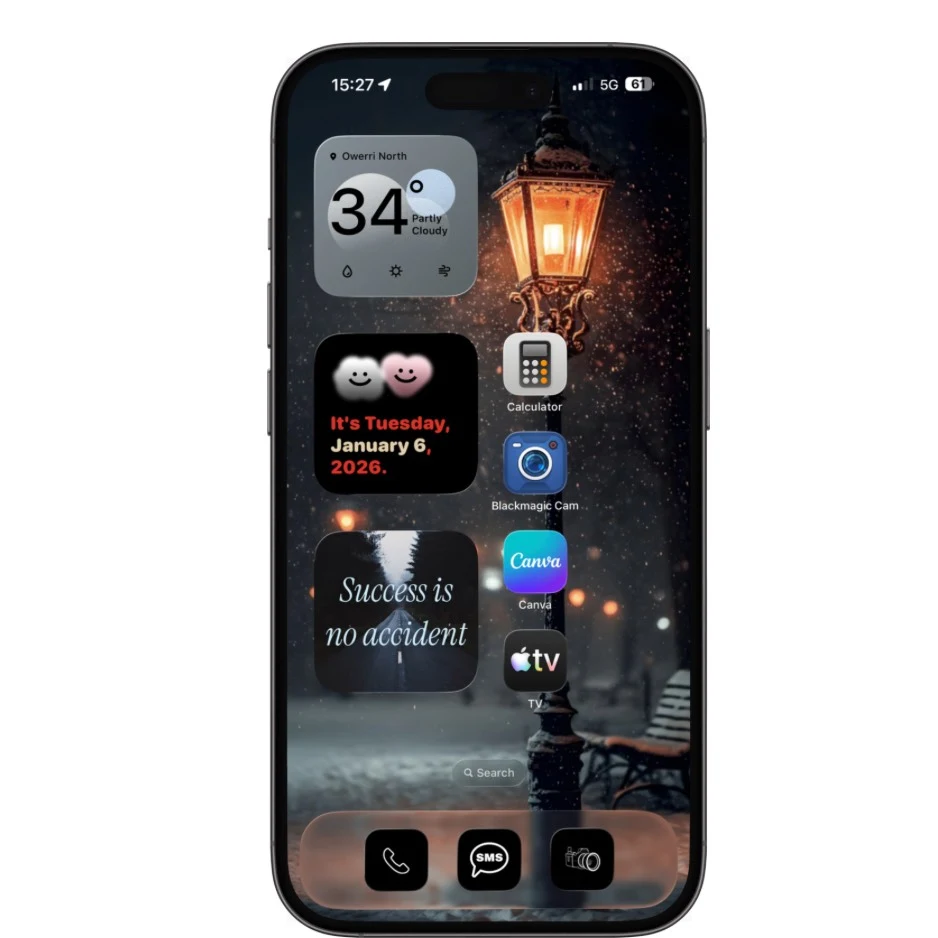
Last but not least is another clean setup using widgets and default icons. Once again, the widget used for this setup is the MD widget, which I shared the link for in the first homescreen setup.
Wallpaper link below.
Download from here
Kindly check back for more iPhone and iPad homescreen setups or customizations. Soon, we will include aesthetic homescreen setups for those who love them.