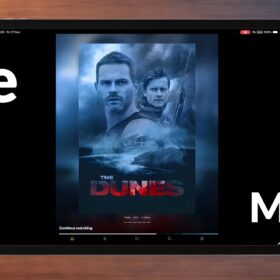
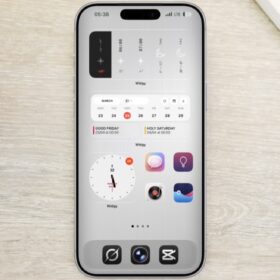
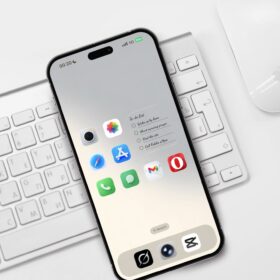
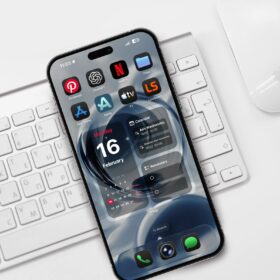
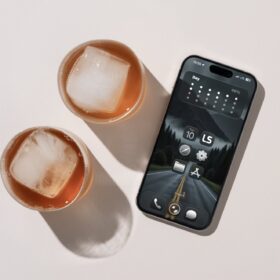
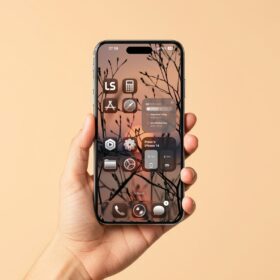
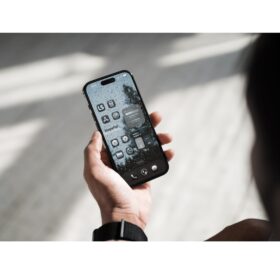
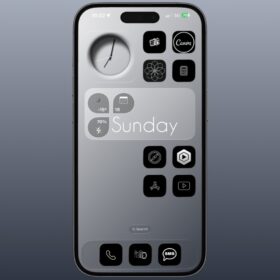
Looking for a clean iPhone homescreen layout, here I have a cool and clean iPhone homescreen layout along with a free wallpaper you can use to customize your phone.
Here’s the sample images.
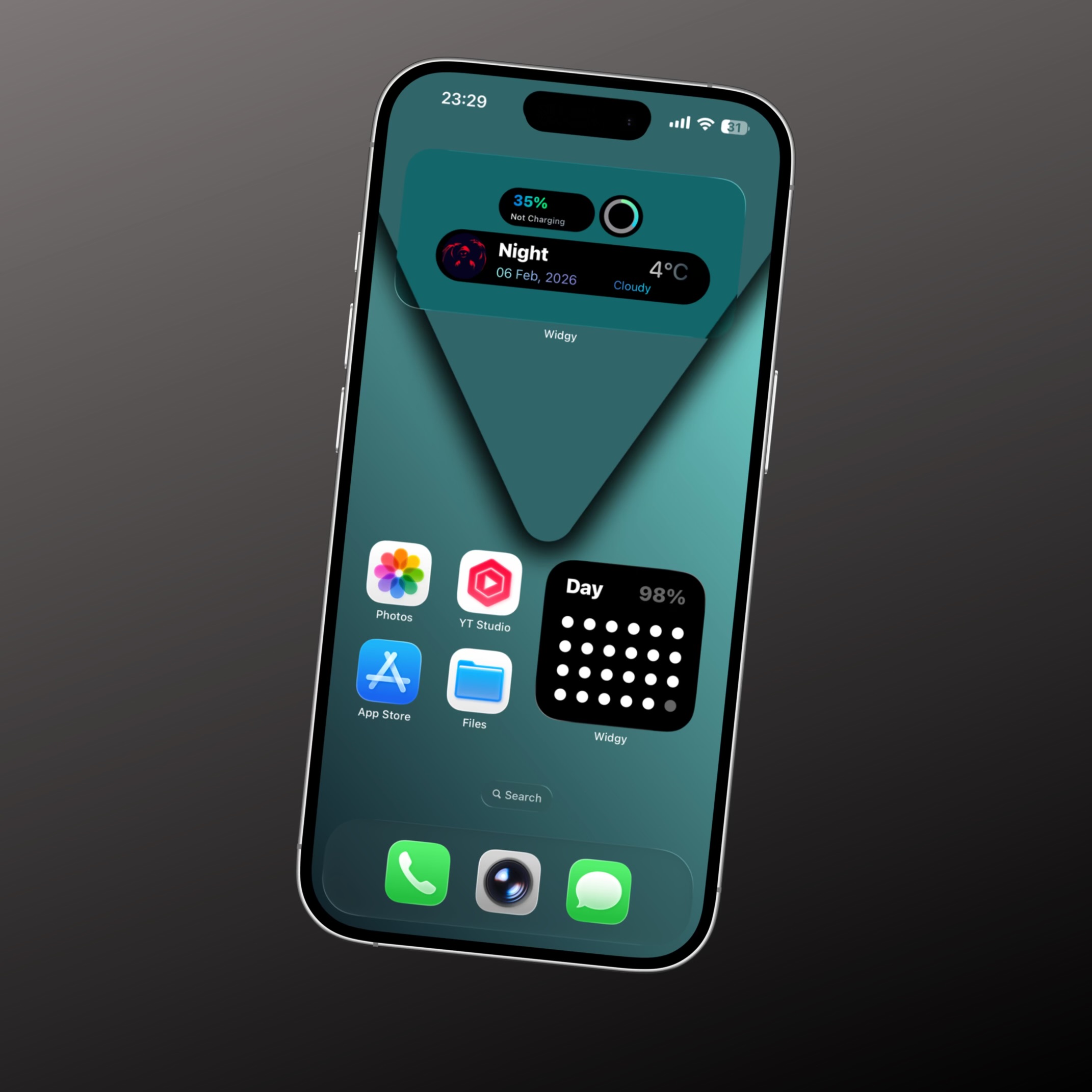
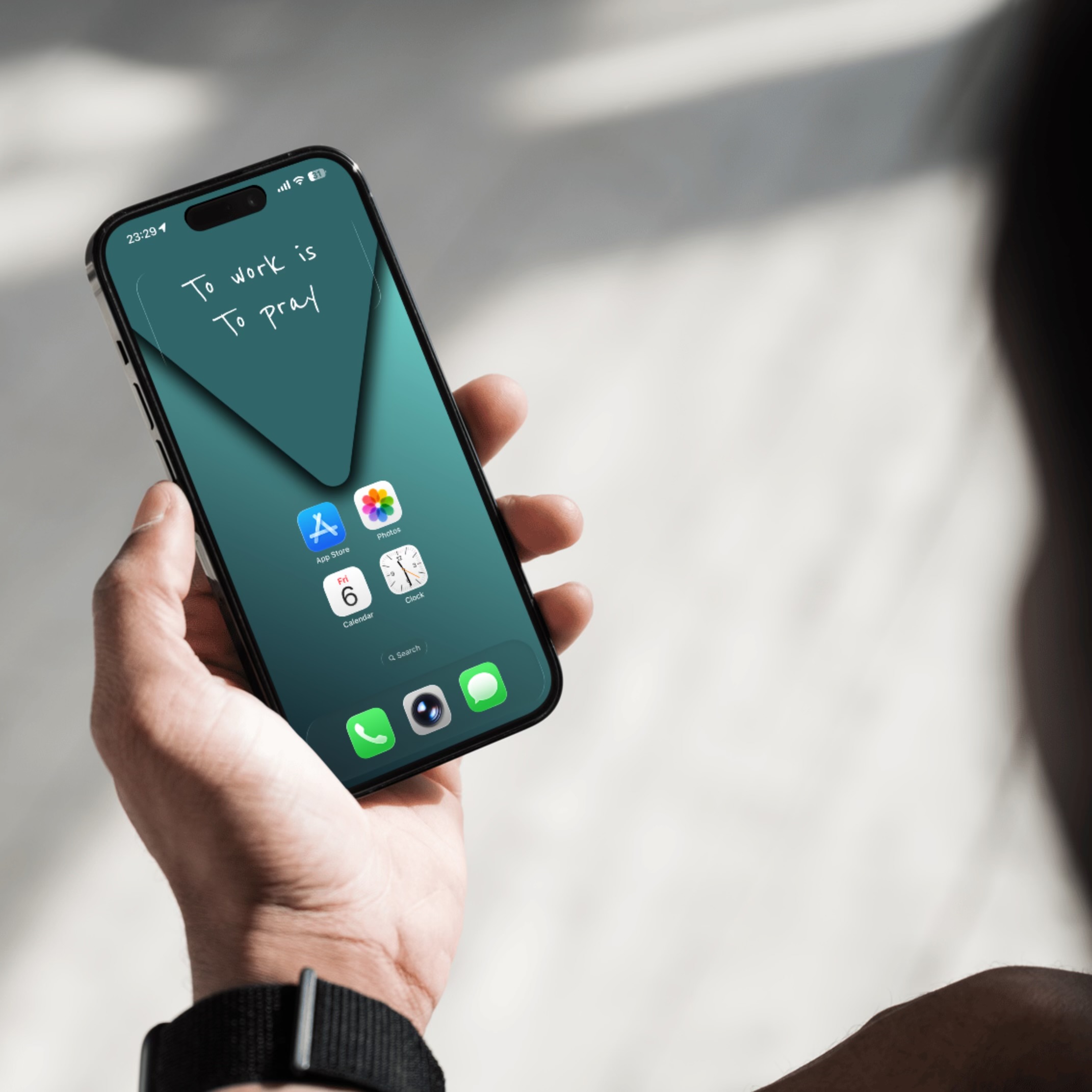
For this setup, I used the default iPhone icons, widgy widgets, and the MD text widget.
Starting with the first picture, the weather widget is from widgy, and below is the link to download the widget.
The second widget on the first picture is the day progress widget from widgy, and if you like the widget you can download from below.
Download the day progress widget
The third widget I have is in the second image and this very widget is from MD widget which is a text widget. Simply download and install the MD widget, and navigate to text as shown below.
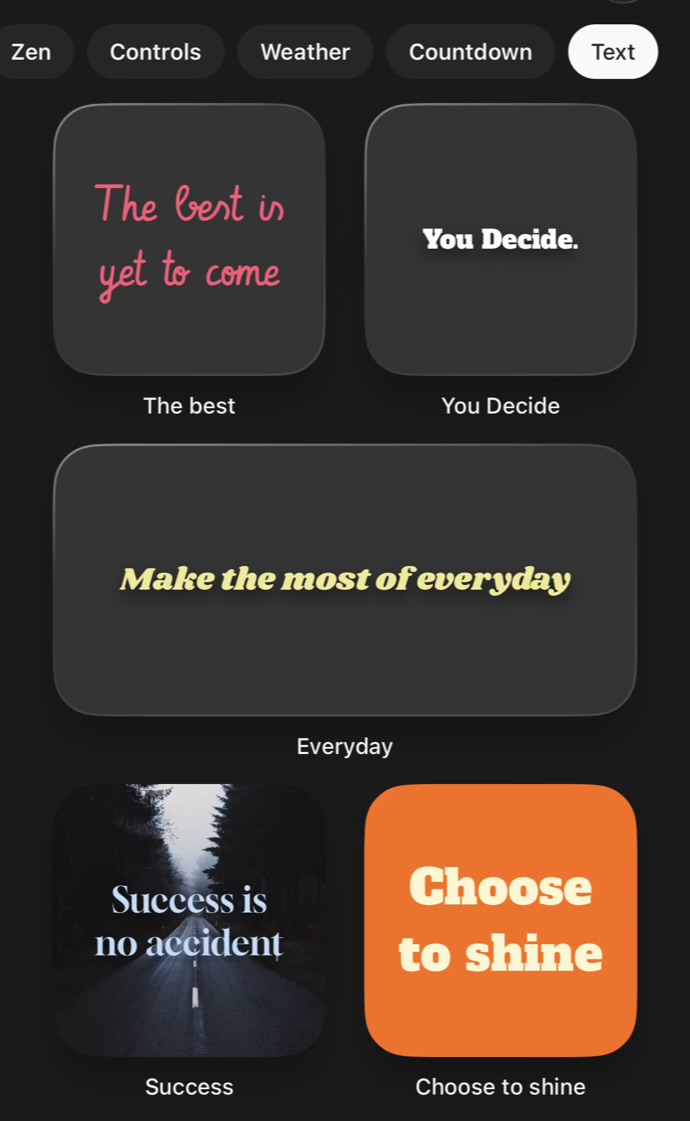
Select any text from the list. Mind you, there’s an option to change the text to your preferred texts, including the font and the photo as well.
So these are the only widgets I used for the setup as I wanted to keep the homescreen clean.
For the wallpaper, download from below.
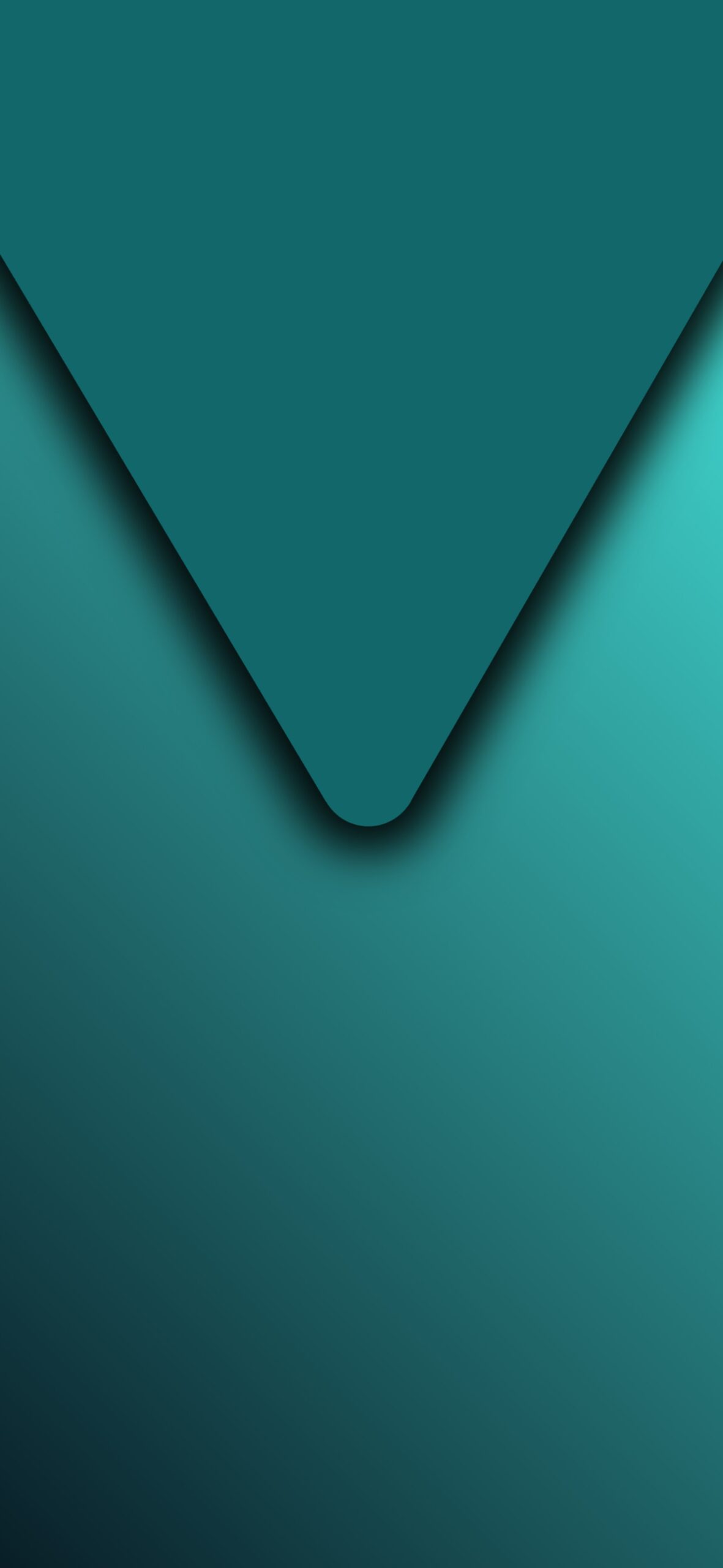
If you need a 4k or 8k version, simply drop your comment and I will post the link for you.
Check out rain drops iphone wallpaper and set up
For more free iPhone wallpaper and homescreen setup, simply bookmark this website and check back for more.