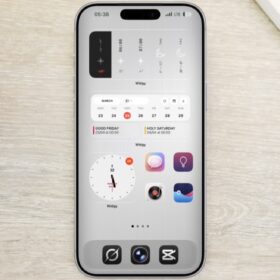
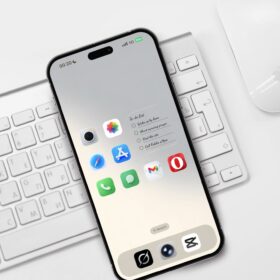
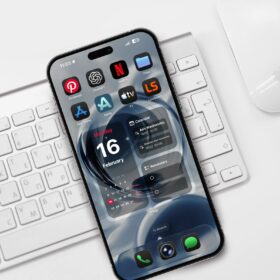
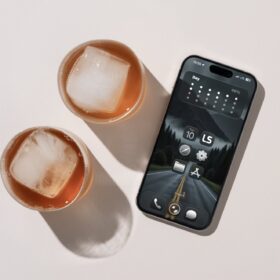
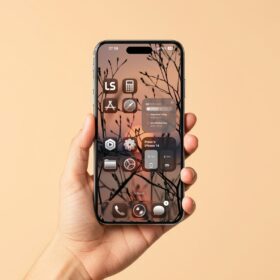
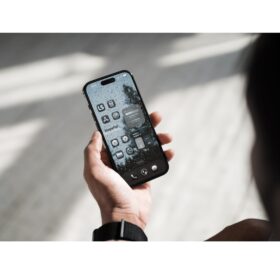
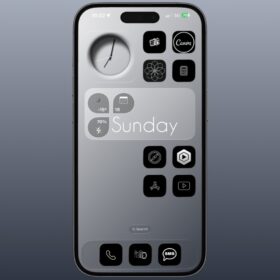
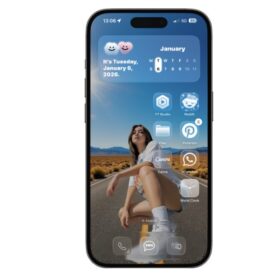
Right here, I have some nice looking clean minimalist iPhone homescreen setup you can try on your iPhone.
First, is the lock screen, followed by the widget section, and finally the homescreen. Let me show you the setup and the widgets I used for the customization and the wallpaper as well.
The setup
For the setup, I will first start with the lock screen and then move to the others.
The lock screen
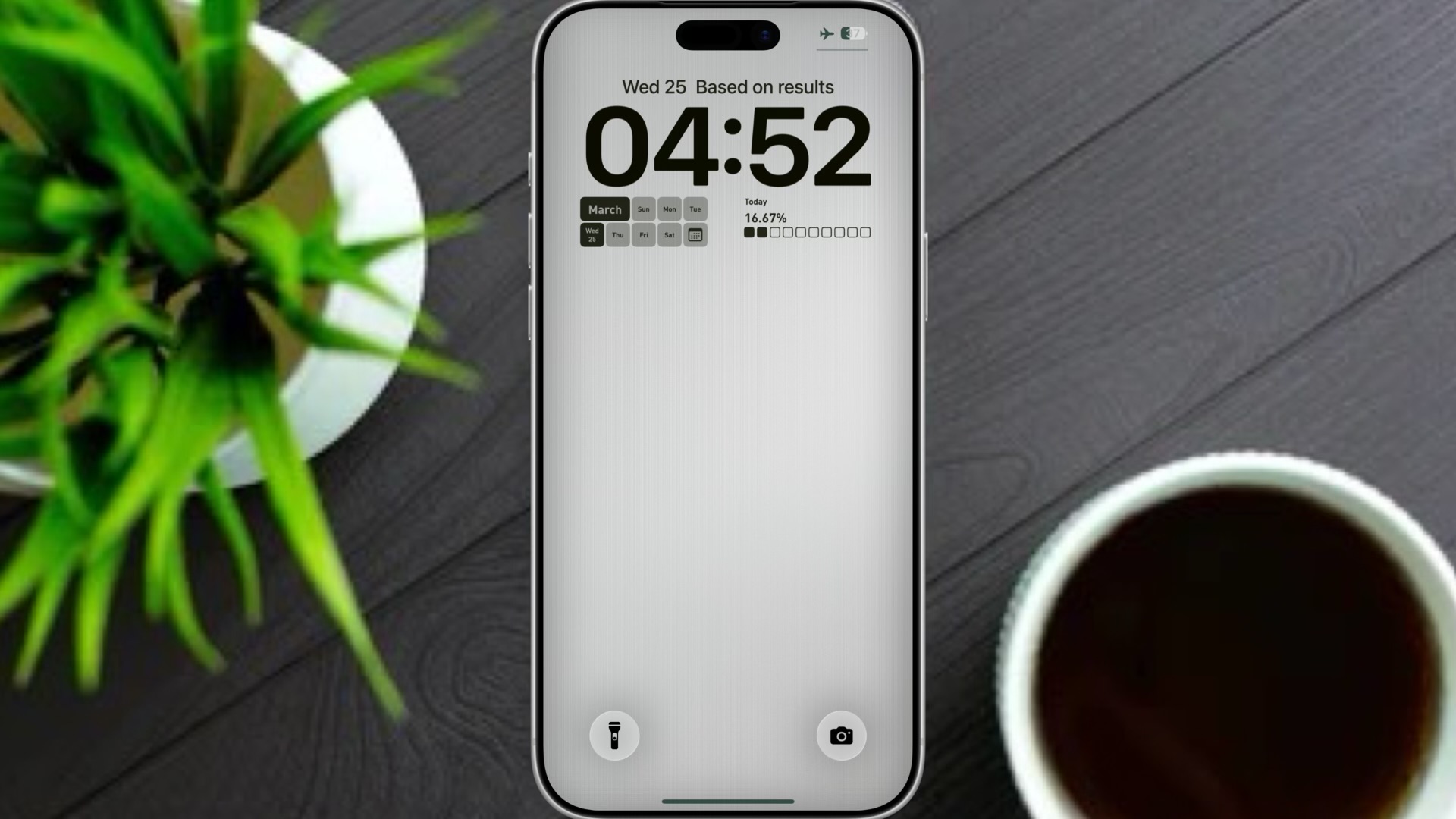
At the top is a motivational quote from widgy, and you can get the widget from the link below.
Better still open widgy, navigate to lock screen and select any quotes that is random.
For the two widgets below the clock is a moyo widget, and you can get them using the links below.
If you open the moyo widget app, navigate to the lock screen section and scroll down to date, right there you will see the two widgets I used for the lock screen.
The widget section
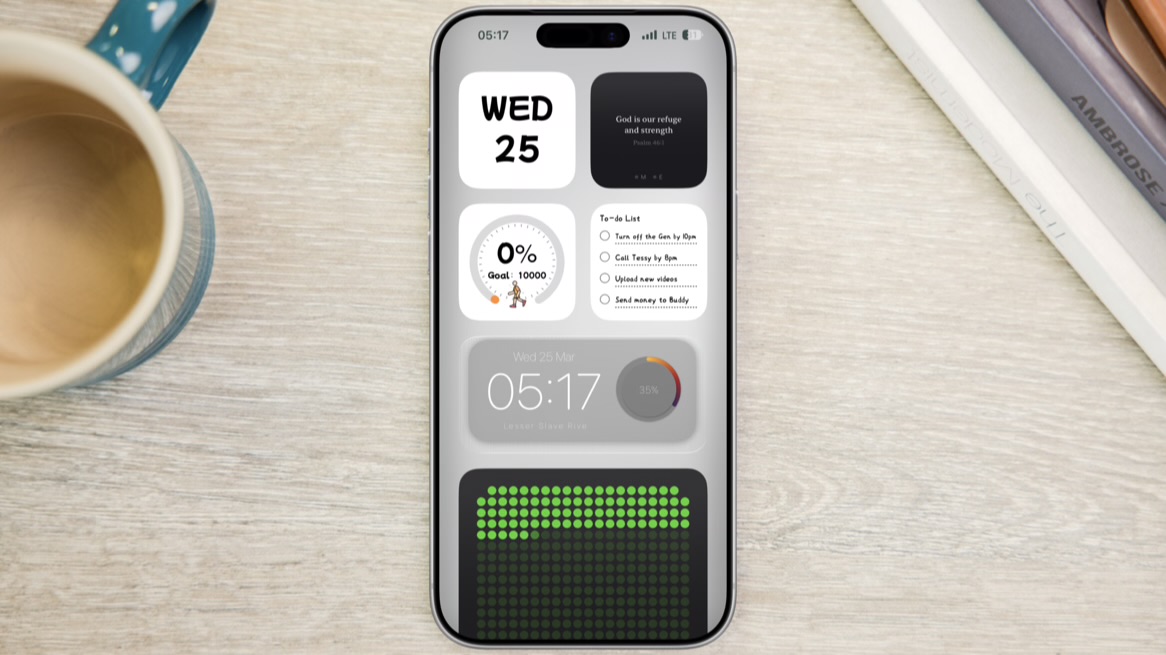
Here’s the widget section, and first widget is a calendar widget from Moyo widget app. You will this particular widget if you navigate to the calendar section on the Moyo app, though I changed the color to white just to match my wallper.
The second widget is called Praya which gives daily Bible verses.
The third and fourth widget is from Moyo app, simply navigate to sports and to do list on the app to get the widgets.
The fifth widget is from widgy, and you can get the widget from Here.
The sixth and the last widget is from 365 vibe days and you can the widget app from Here.
First Homescreen 
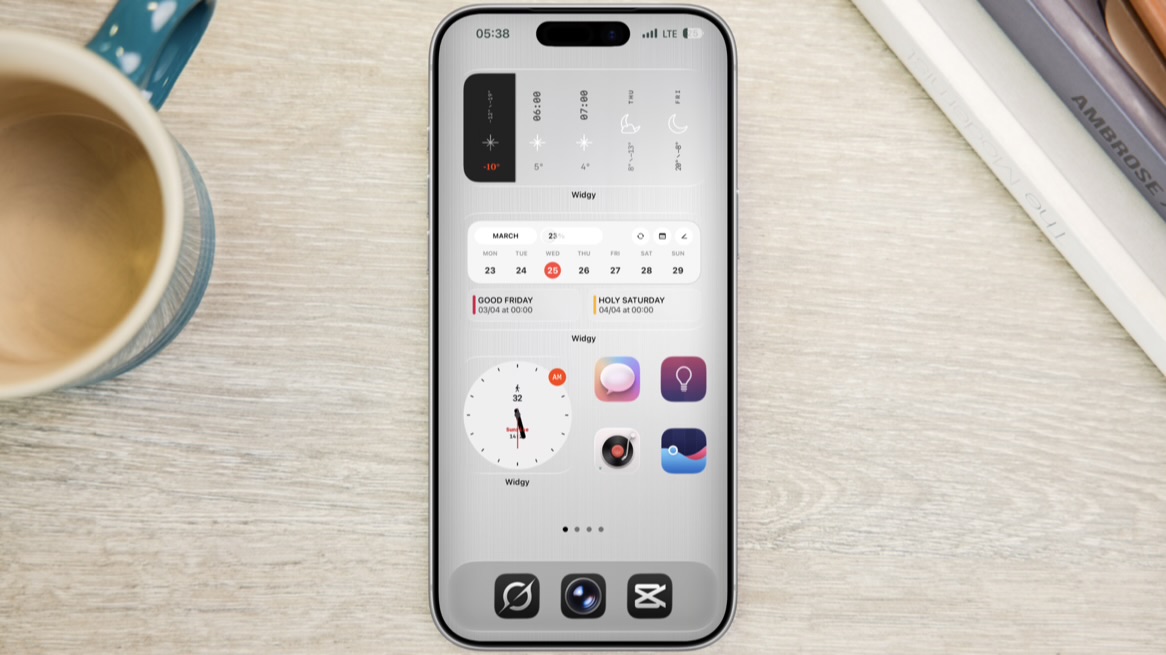
The first and second widget on the homescreen is from widgy and you can get the widgets from Here and Here.
The third widget is also from widgy and you can get it from Here.
Next is a custom made icons which contains a list of my favorite or most apps. Check out the video below on how to create these icons.
The second homescreen
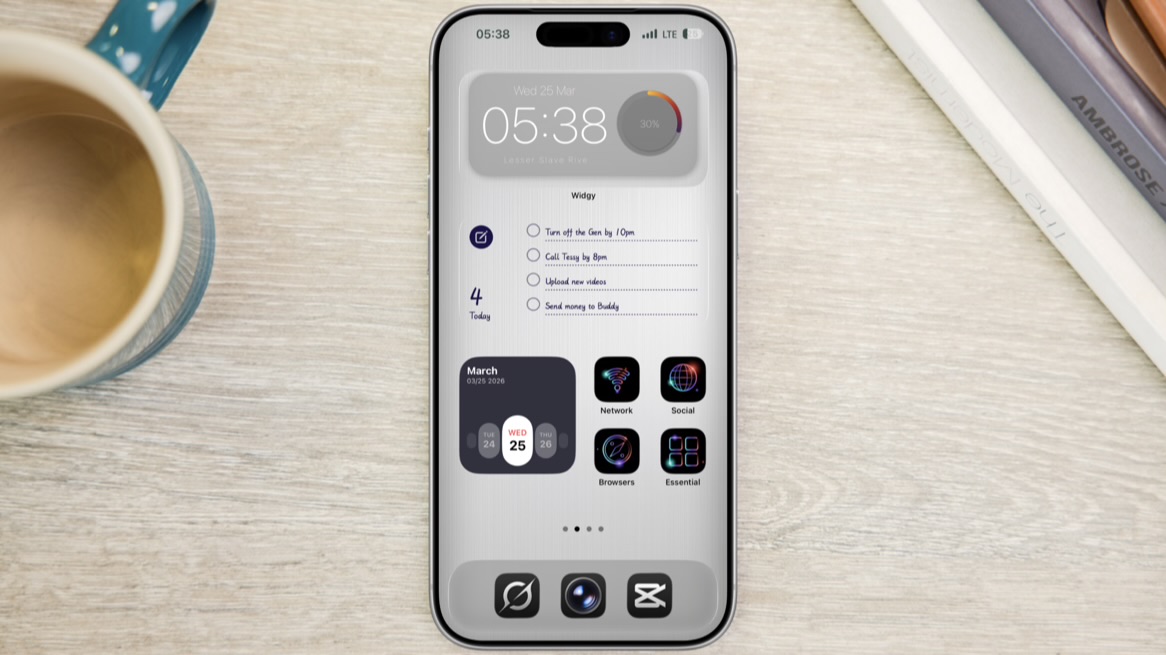
The first widget here is from widgy, and I’ve already shared the link to the widget.
The second is a to do list from Moyo widget app, while the third widget is a calendar widget from Moyo as well.
Lastly, on the screen are four custom made icons and you watch this YouTube video on how to create this type of icon.