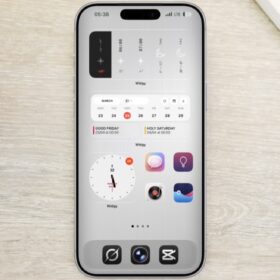
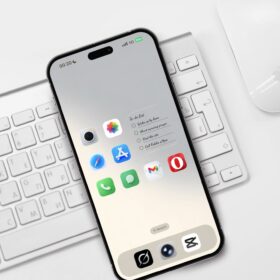
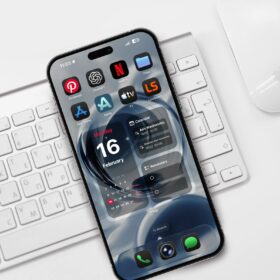
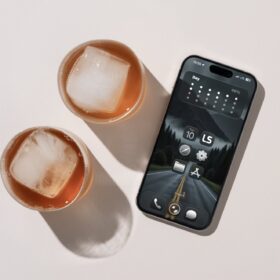
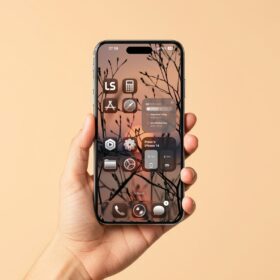
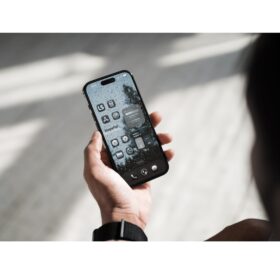
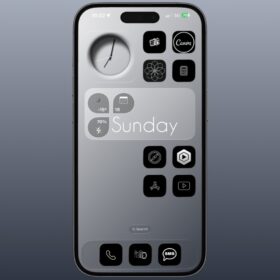
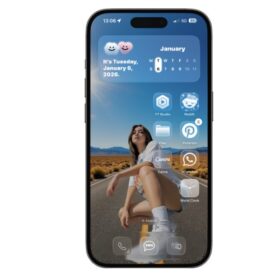
So right here, I have a very simple clean iPhone homescreen setup worth trying especially if you love how clean the setup is.
I try to make it look very simple and clean, and for those of you that loves simple clean iPhone customization or layout ideas, check out this design.
Simple and clean iPhone setup ideas
Below are the two designs.

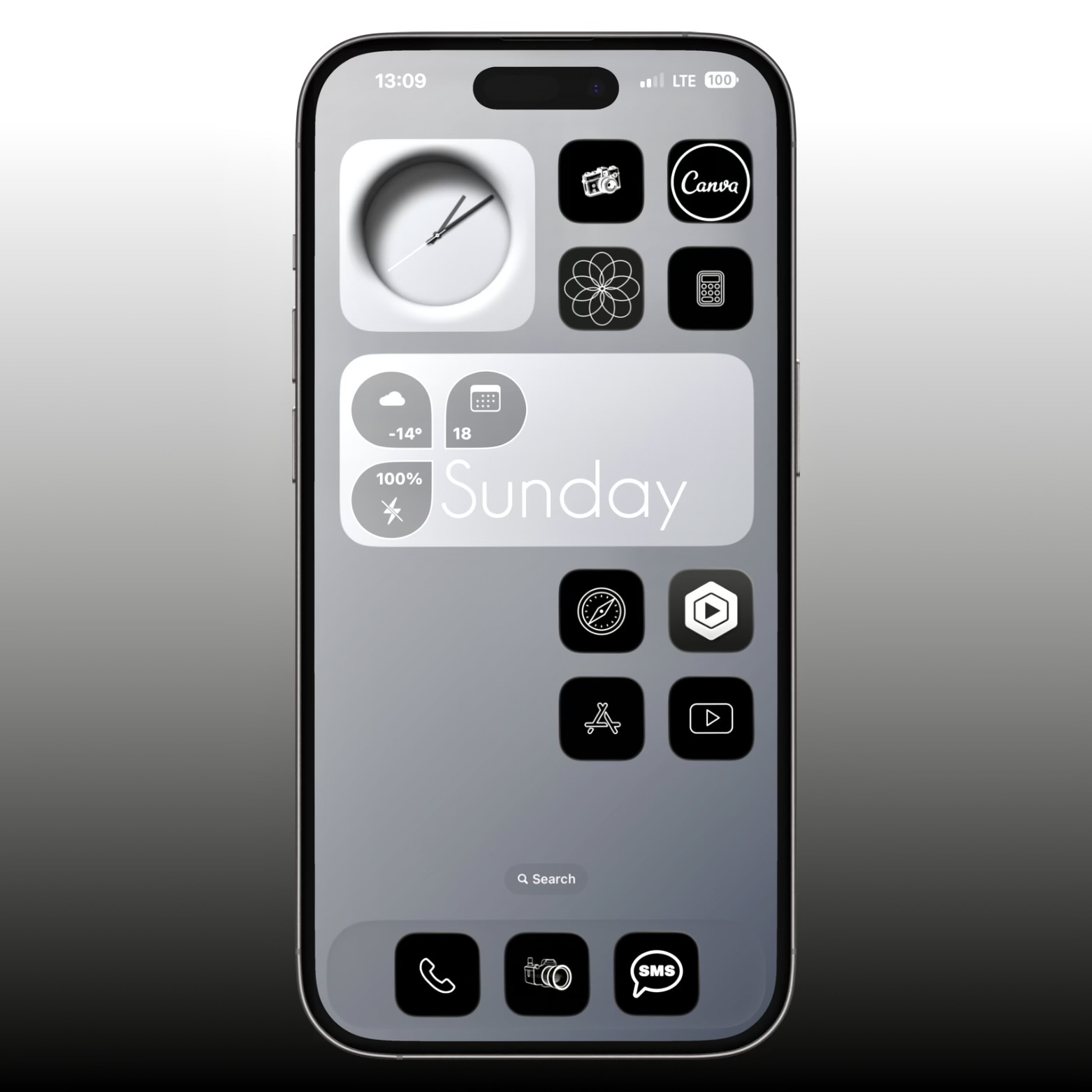
For this customization, I used the widgy widget date, time and weather widget. And for the app icons, I ditched the default apple icons and instead opted for customized icons using the shortcut app.
Below are the links to the widgy widget
And for the wallper, I opted for a simple design color. Not so much design other than the gradient black and white color.
You can download the wallpaper below.

This very wallper was compressed and if you need the 8k version, simply drop your comment and I will give the link to download it cause the file is way too big.
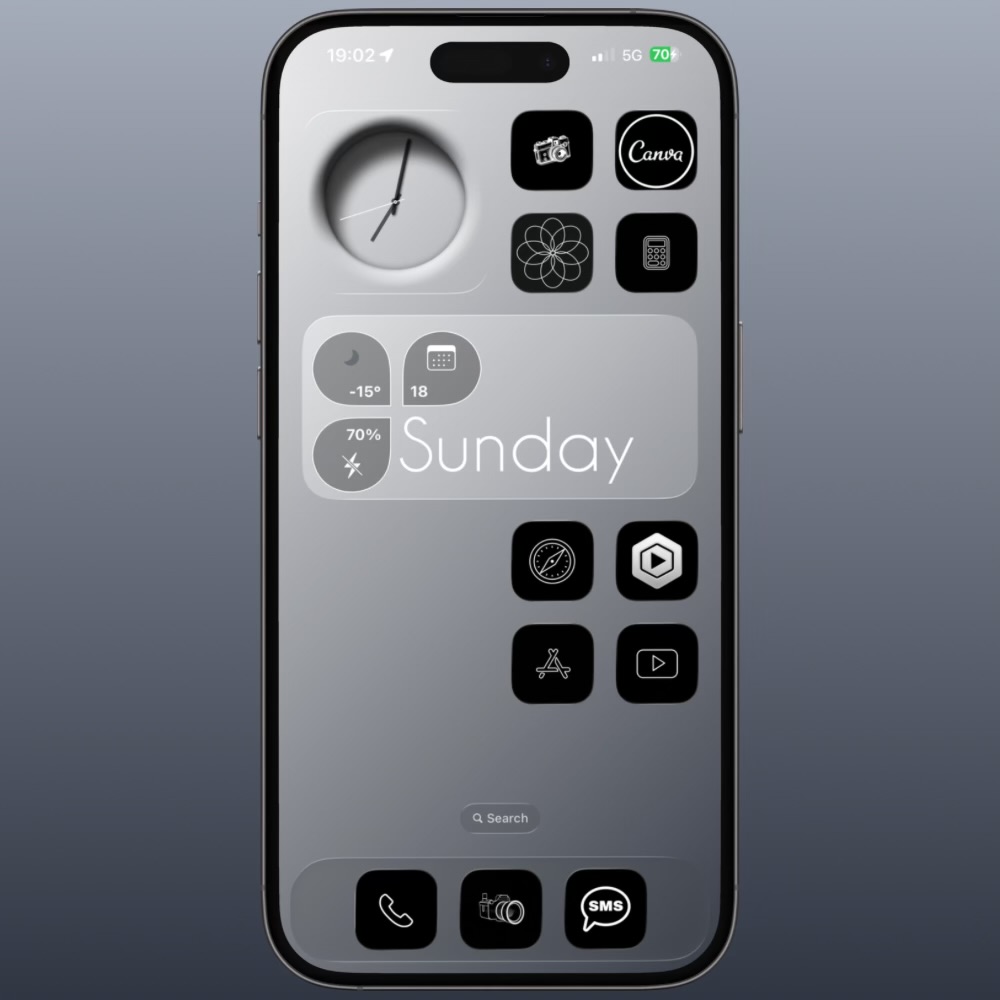
The two photos of the simple iPhone homescreen is of the dark mode, so below is the default color mode.

That’s it.
If you love the homescreen design, please don’t forget to share it and subscribe to the channel and website.